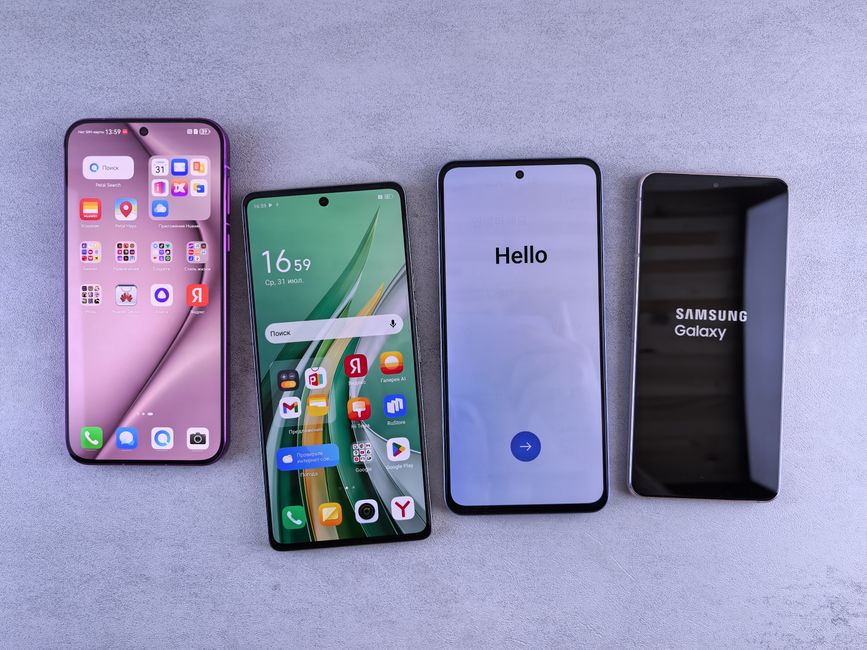
👉 At a glance: Unlock the full potential of your Galaxy smartphone with these hidden features that can enhance daily tasks and privacy.
Smart Select for Precise Captures
The Smart Select feature allows you to capture specific parts of your screen without cropping later. Simply open the edge panel and select the Smart Select icon to choose your desired area. This is especially useful for creating GIFs or capturing important information efficiently.
Users appreciate how this tool saves time and creates clean, focused screenshots for work or personal use.
Extract and Translate Texts from Images
This feature allows you to extract text from images directly, making it easy to copy and translate foreign text in real-time. Open an image in your gallery, tap the text icon, and access the text instantly.
Frequent travelers find this feature beneficial for understanding foreign menus and signs without hassle.
Secure Your Data with the Security Folder
Protect sensitive information with the Security Folder. This tool creates a separate, encrypted space for private files, apps, and data. Activate it via Settings > Biometrics and Security.
Users often employ this to keep personal and professional data separately, ensuring privacy and security.
Customize Your Edge Panel
The Edge Panel isn’t just for apps. Customize it by adding contacts, tools, and more for quick access. Go to Settings > Display > Edge Screen to personalize.
Having frequently used tools at your fingertips is a convenience highly rated by users.
Personalize with Good Lock
For those who love customization, the Good Lock app is a must. Download it from the Galaxy Store and tweak your device’s interface to your liking, from sound settings to camera adjustments.
Users enjoy tailoring their experience for both aesthetics and functionality, enhancing their user experience.
⚠️ Caution: Some features may affect battery life or require specific software versions. Check compatibility before usage.
Key Takeaways
- Smart Select captures only what you need, saving time.
- Extract and translate text directly from images for convenience.
- Use the Security Folder to keep sensitive data safe.
- Customize Edge Panel for quick access to essential tools.
- Good Lock offers extensive personalization options for your device.
This article is general information and does not replace professional diagnosis or treatment. Consult a qualified provider if symptoms persist.
Leave a Reply